WeightTracker
Set your goal. Hit your target weight.
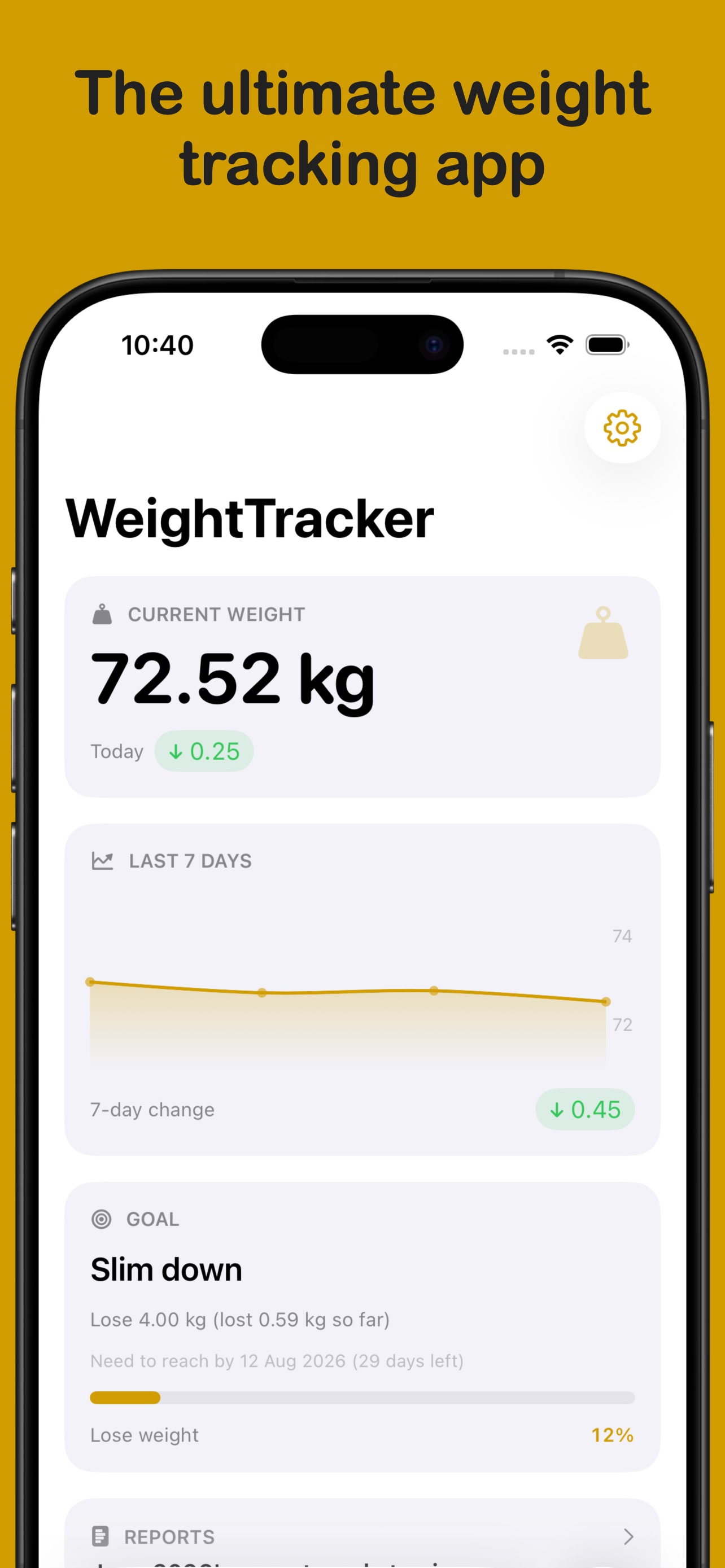
WeightTracker makes it easy to not only track your weight, but also to set goals, see statistics, and understand your progress over time — with Apple Watch, widgets, and full Health app sync.
Download from the App Store todayScreenshots
Features
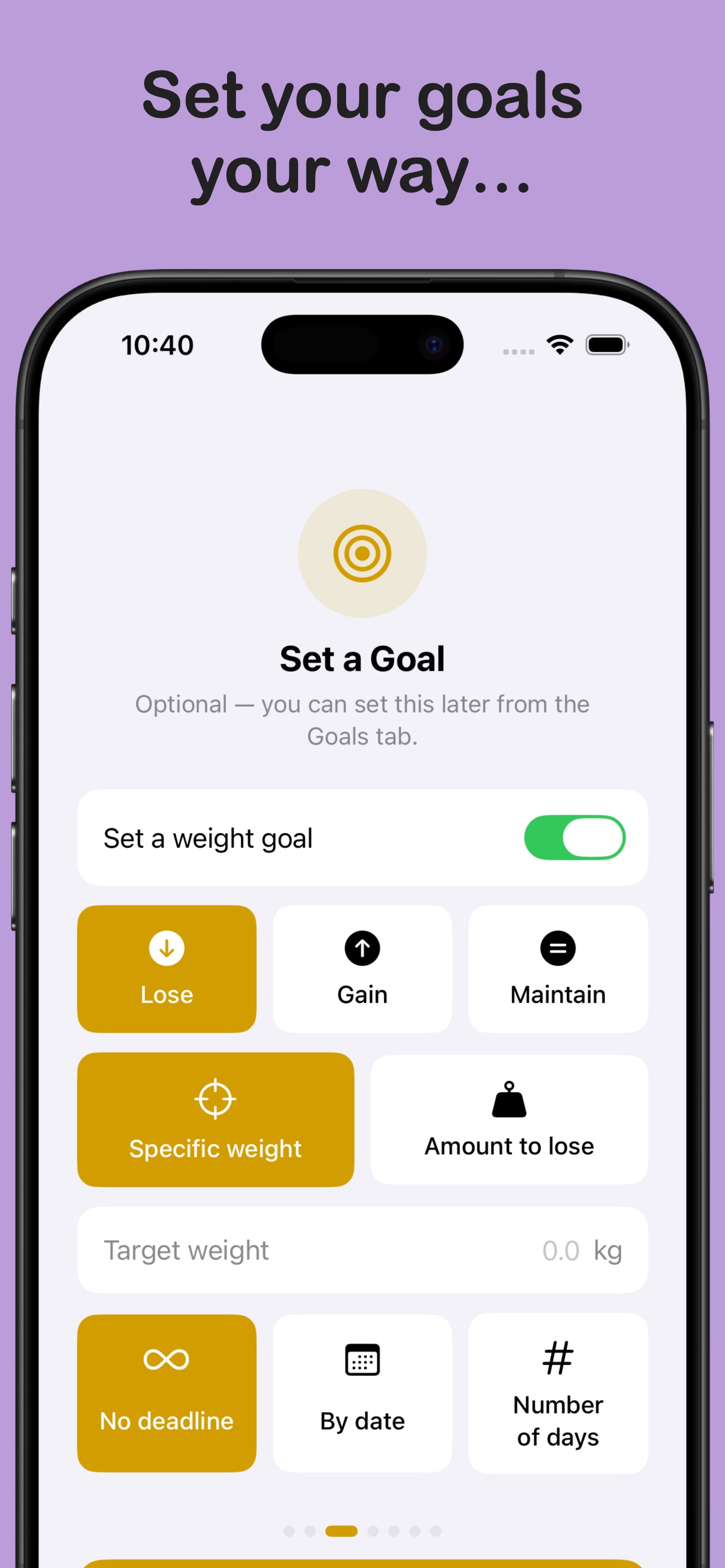
- Goals Set a Lose, Gain, or Maintain goal — by target weight, fixed amount, or with a deadline.
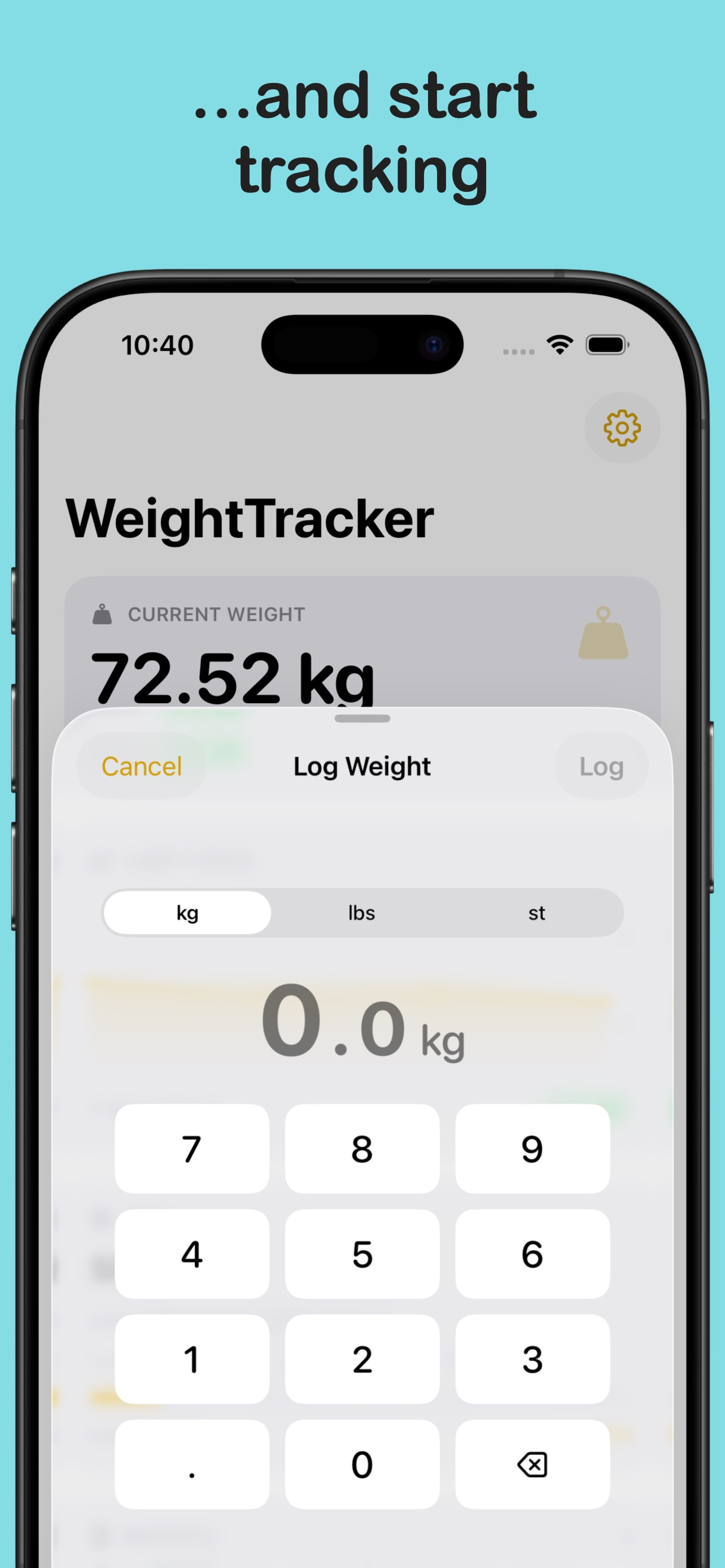
- Fast logging Tap the + button from anywhere to log your weight. Backdate entries, add a note, or temporarily switch units for a single log without changing your default.
- BMI tracking Set your height once and WeightTracker automatically tracks your BMI alongside your weight, shown on the home screen, Watch app, and in reports.
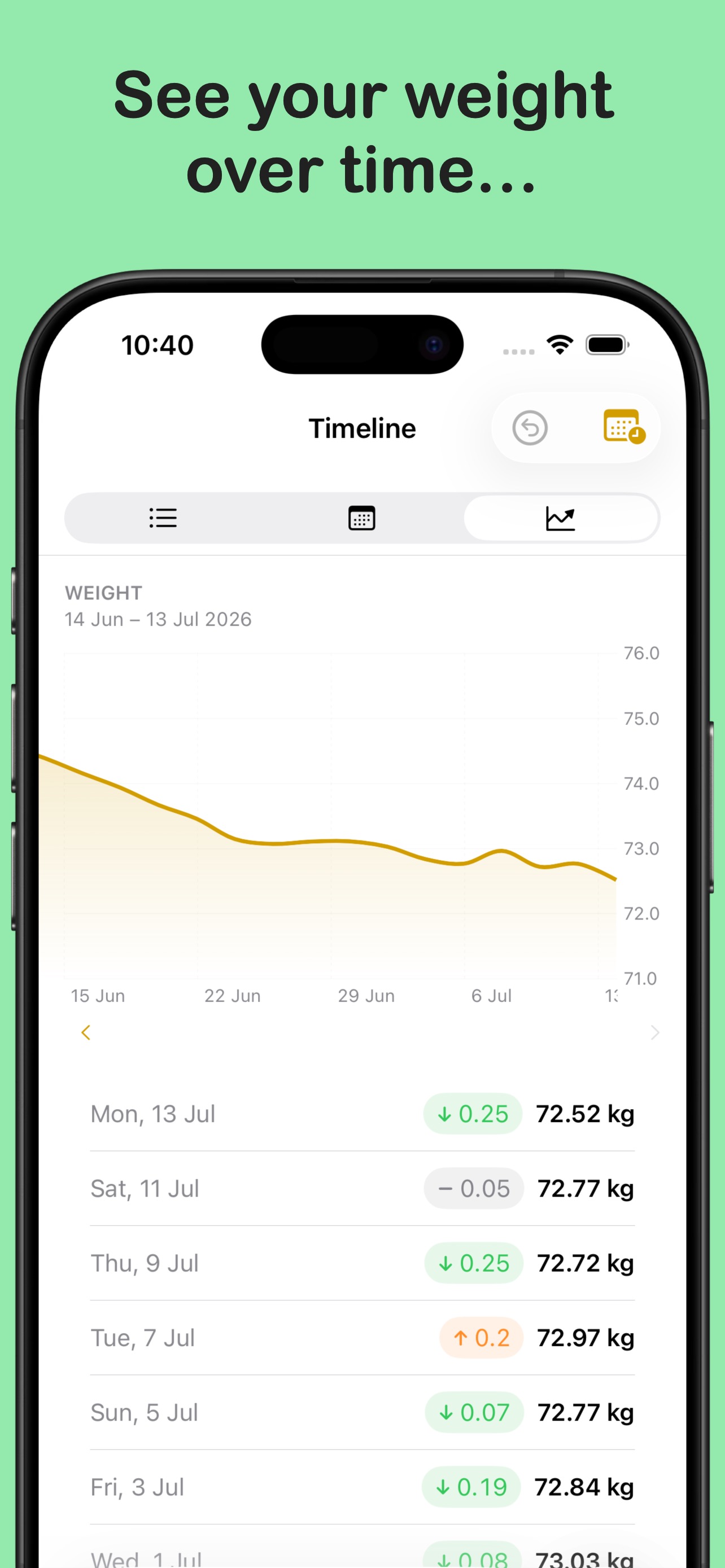
- Timeline Every entry in chronological order, so that you can easily see your weight change from day to day.
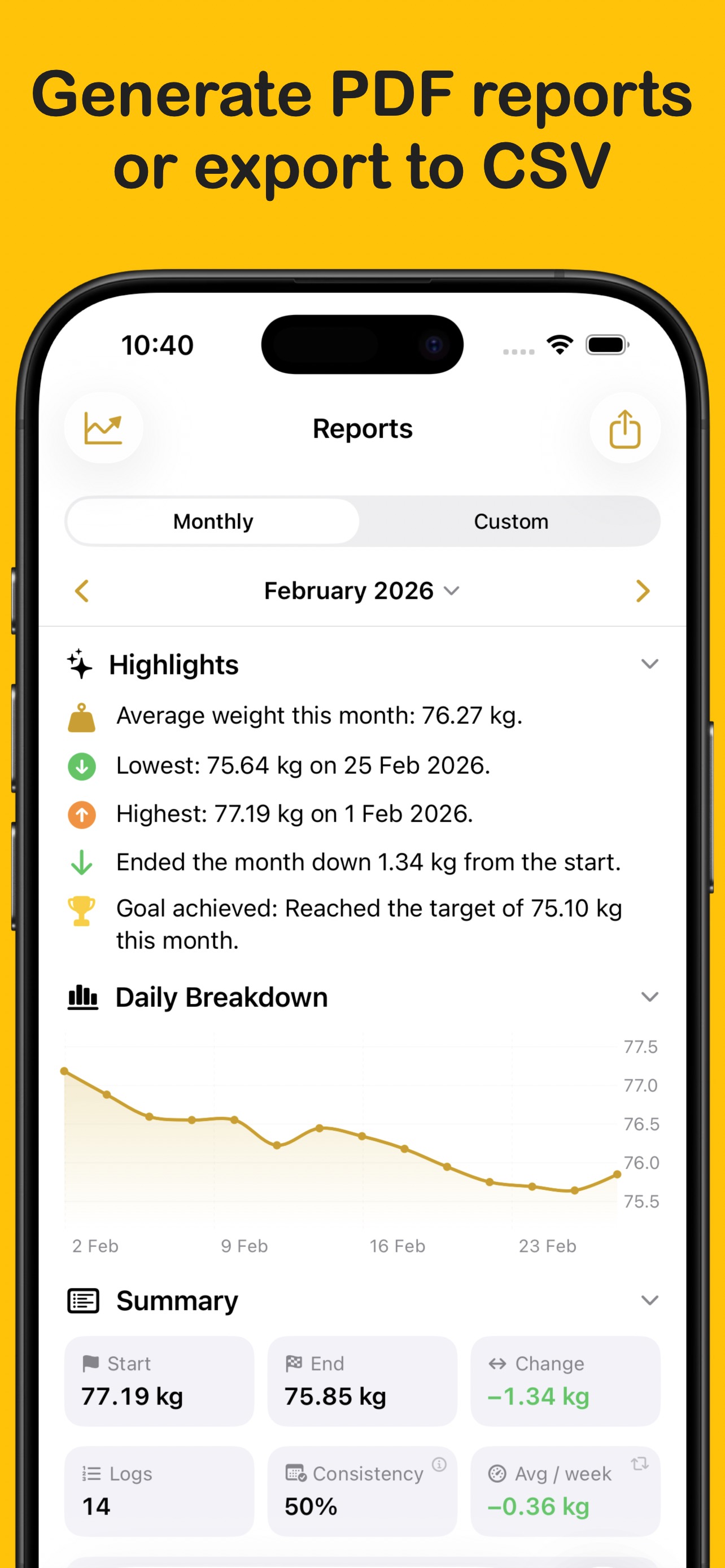
- Reports Monthly and custom-range summaries showing start weight, end weight, change, and consistency. Export any report as a PDF to save or share.
- Apple Health sync Every log writes to Apple Health as a Body Mass sample. Optionally read historical data from other apps to fill in your timeline from day one.
- Apple Watch app Log your weight from your wrist and see your current weight, a sparkline, BMI, active goal progress, and your most recent entries.
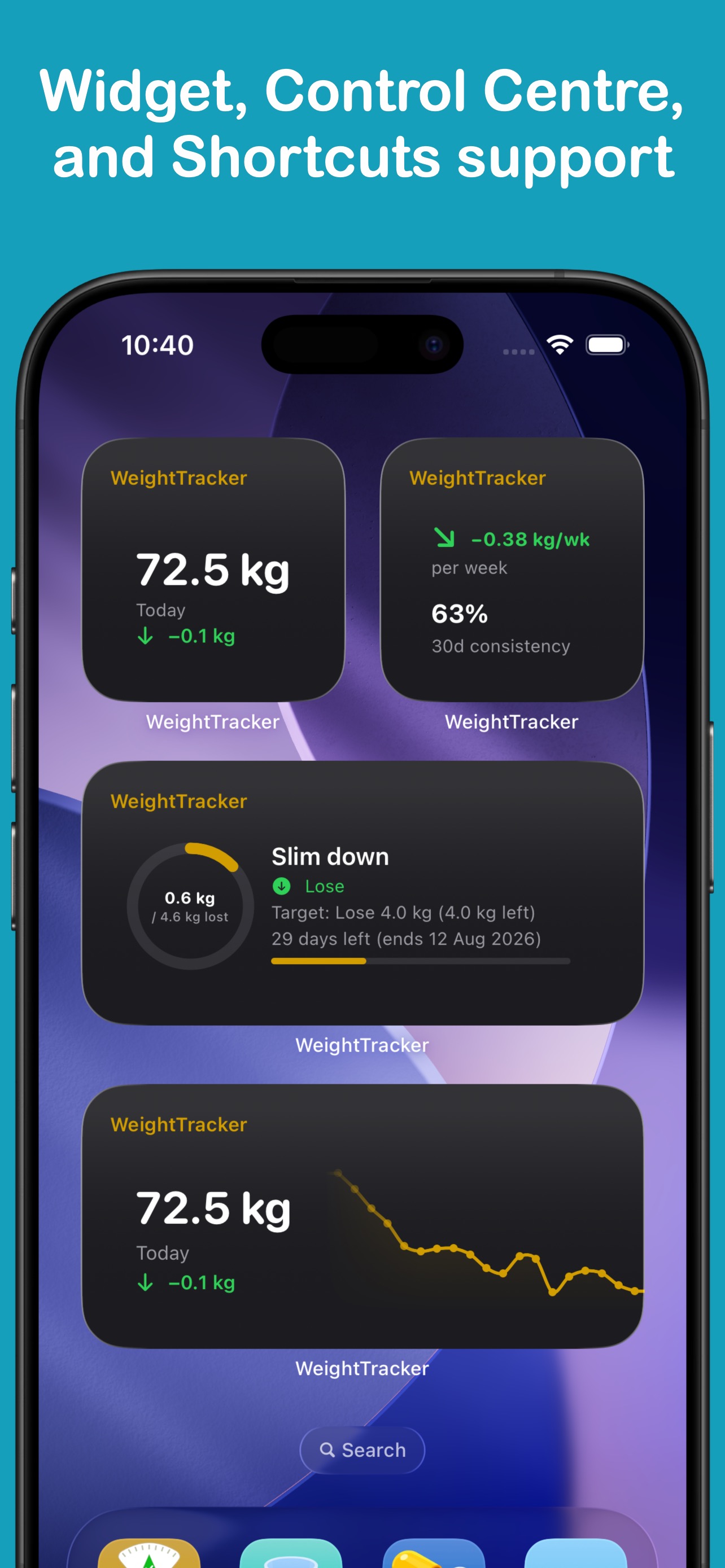
- Home Screen widgets Current weight, weight graph, trends summary, and a log shortcut — in small, medium, and large sizes, plus Lock Screen complications.
- CSV and PDF export Export your full log history at any time.
WeightTracker Pro
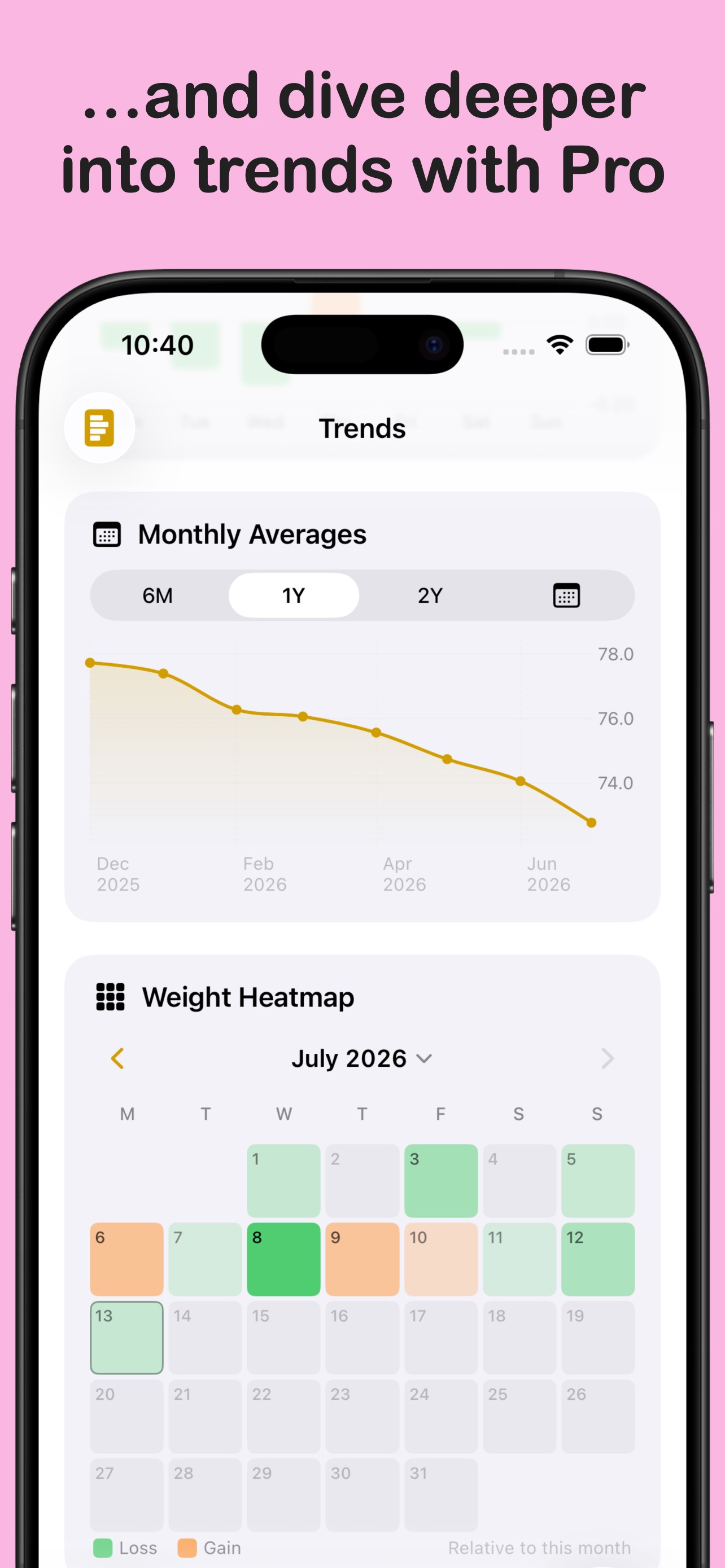
- Trends screen Delve deeper into your data with an interactive weight chart, trend line, rate of change, monthly averages, a weight heatmap calendar, and day-of-week breakdown.
- Custom weight change colours Set your own colours for the weight change badge.
- Tab bar customisation Choose which screens appear in your tab bar and in what order, so your most-used screens are always one tap away.
- Custom app icons Choose from a range of alternative app icons to personalise WeightTracker on your Home Screen.
More from LifeTracker Studio
VitaminTracker
Stay on top of your vitamins and nutrients.
View app →
WaterTracker
Track your daily water intake and stay hydrated.
View app →
HabitTracker
Build lasting habits and track your daily routines.
View app →
FitnessTracker
Schedule and record your workouts with ease.
View app →
ProteinTracker
Make hitting your protein targets a breeze.
View app →